

The mobile site includes casino games, bonuses, payments, account settings, and customer support from 09:00 to 22:00 daily. PlayLive requires no installation or application storage. Website changes appear automatically, making the browser platform a convenient alternative to a native casino app.
PlayLive Access on Android Devices
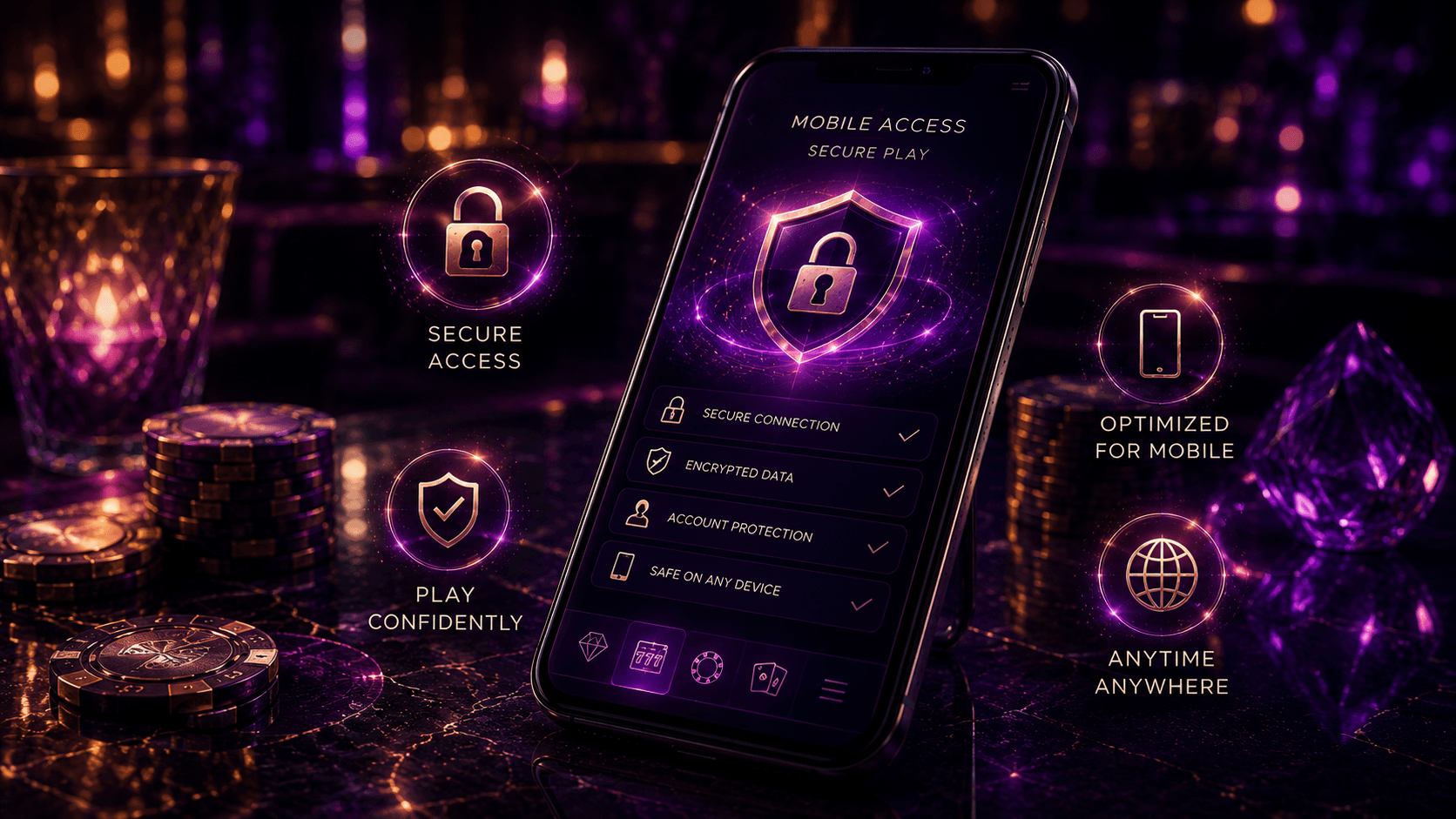
Android users open PlayLive in a mobile browser. You do not have to:
- Search for the casino through Google Play
- Download an APK file
- Change your Android security settings
The browser loads PlayLive from its official site, giving you immediate entry with your regular account details.
This setup brings two benefits:
- It does not place a large application file on your phone.
- It avoids the risks associated with unofficial APK downloads.
The arrangement works well when you play through mobile data or regularly switch between Android devices. A third-party PlayLive APK may contain altered software or attempt to collect your login information.
How Do You Open PlayLive on Android?
To reach PlayLive from an Android device:
- Open Chrome or another up-to-date mobile browser.
- Enter the official PlayLive web address.
- Wait for the casino to load.
- Log in or create an account.
- Choose a game category and start playing.
PlayLive has no official Android application. Avoid third-party websites offering an APK under the brand’s name. Never install a file that asks you to:
- Disable Android security controls
- Grant permissions unrelated to browser-based casino access
How Can You Add a Home Screen Shortcut?
To create a PlayLive shortcut in Chrome:
- Open the official casino site.
- Tap the browser menu in the upper corner.
- Select Add to Home Screen.
- Check the displayed shortcut name.
- Tap Add to confirm.
Chrome will place a PlayLive icon alongside your other applications. You can then reach the casino without typing its address whenever you want to play.
The icon links to the website rather than launching a native Android application. Removing it does not affect your account or any information stored within it.
Which Android Devices Are Compatible?
PlayLive works on Android phones and tablets that can run an up-to-date browser. Chrome is the most familiar option, though other modern browsers can also provide access.
| Requirement | PlayLive Android access |
|---|---|
| Supported device types | Android phones and tablets |
| Browser | Chrome or another up-to-date mobile browser |
| Application storage | Not required |
| Minimum app RAM | Not applicable |
| Installation | Not required |
Performance can still be affected by:
- Your device hardware
- The installed browser version
- Your internet connection
- The technical demands of the selected game
A stable connection usually matters more than a particular phone model because PlayLive loads each title from the website.
PlayLive Access on iPhone and iPad
There is no PlayLive application in the Apple App Store. On an iPhone or iPad, open the official casino site in Safari. The mobile interface includes:
- Casino games
- Account controls
- Bonuses
- Payments
- Customer support
Everything runs within the PlayLive website, so an iOS installation is unnecessary. The home screen option gives iPhone and iPad users in South Africa quicker entry through Safari. Its icon resembles a regular app but leads to the browser platform.
How Do You Open PlayLive on iOS?
To open PlayLive on an iPhone or iPad:
- Launch Safari.
- Enter the official PlayLive address.
- Wait for the casino website to load.
- Log in with your existing details or register an account.
- Choose the section you want to use.
Keep Safari updated for smoother PlayLive performance. If a page fails to load correctly:
- Refresh the page.
- Check your internet connection.
No additional installation procedure is necessary:
- Do not install a configuration profile.
- Do not accept an unknown certificate.
- Do not download a separate iOS file.
How Can You Save the iOS Shortcut?
To place PlayLive on your home screen through Safari:
- Open the official website.
- Tap the Share icon.
- Select Add to Home Screen.
- Check or edit the shortcut name.
- Tap Add to save it.
The PlayLive icon will appear on your iPhone or iPad home screen. Tapping it takes you to the casino website instead of opening native iOS software.
The shortcut receives no updates through the App Store. All PlayLive changes load in Safari, so the saved icon continues to lead to the latest website version.
Which Apple Devices Are Compatible?
You can use PlayLive on iPhones and iPads that support an up-to-date version of Safari. Compatibility depends mainly on browser support rather than a specific Apple model.
| Requirement | PlayLive iOS access |
|---|---|
| Supported device types | iPhone and iPad |
| Browser | Up-to-date version of Safari |
| Application storage | Not required |
| App Store download | Not required |
| Installation | Not required |
Older devices may load demanding PlayLive games more slowly, particularly when the internet connection is weak. Safari may retain ordinary website data, but no casino application package is stored on your device.
PlayLive Website Updates Happen Automatically
All PlayLive mobile updates take place on the website. You do not have to:
- Download patches
- Reinstall casino software
- Check version numbers
- Approve updates through an app store
When PlayLive changes the platform, the new version appears after you open or refresh the site.
Changes may cover several parts of the mobile casino:
- Games
- Payment pages
- Bonus offers
- Account features
- General website functions
Android and iOS visitors therefore use the same PlayLive platform in their respective browsers. A saved icon does not need replacing after an update. Just make sure it leads to the official site rather than an unrelated redirect or third-party page.
Why the PlayLive Mobile Site Works
Browser access gives PlayLive customers several benefits:
- No application installation
- No casino app storage use
- Automatic website updates
- Access from compatible phones and tablets
- The same login across multiple devices
You can sign in to PlayLive on an Android phone and later continue with the same account on an iPad.
The mobile platform also includes key account functions:
- Casino bonuses
- Account controls
- EFT payments
- Card payments
- Daily customer support
PlayLive keeps these services in one place, so separate payment or support software is unnecessary. EFT and Instant EFT make the banking experience familiar for customers across South Africa.
| Feature | PlayLive mobile browser | Hypothetical native app |
|---|---|---|
| Installation | Not required | Required |
| Storage use | No application storage | Uses device storage |
| Updates | Automatic through the website | May require app updates |
| Access method | Modern mobile browser | Installed application |
| Home screen access | Available through a shortcut | Available through an app icon |
| Device switching | Same login on compatible devices | App needed on each device |
Games Available on PlayLive Mobile
The PlayLive mobile casino contains more than 2,500 titles across several categories:
- Slots
- Live casino
- Blackjack
- Roulette
- Other table games
- Instant games
- Tournaments
Demo mode may be available for selected PlayLive titles, letting you check the gameplay before using your account balance.
Providers at PlayLive include Pragmatic Play, Play’n GO, PGSoft, Betsoft, BGaming, Evoplay, Hacksaw, Playson, Spribe, Spinomenal, Novomatic and other studios.
You can browse the complete PlayLive library from a compatible mobile device without downloading individual titles. Games launch from the site, though some formats may not run equally well on every device.
How PlayLive Protects Mobile Accounts
PlayLive applies several security measures to mobile access:
- SSL encryption
- Secure browser connections
- Identity verification checks
- Anti-money laundering controls
The same PlayLive KYC and AML standards apply on mobile and desktop. Verification may therefore be required when you manage your account or request a withdrawal.
Check the address bar before entering sensitive PlayLive information:
- Your email address
- Your password
- Payment information
- Verification documents
The domain must match the official website. Leave the page if you notice any of these warning signs:
- A different or misspelled domain
- A request to download an APK
- An unfamiliar iOS profile
- An unknown security certificate
Public Wi-Fi can create additional risk, especially when you access financial features. Use a trusted private connection when possible.
PlayLive protects the website connection, but several personal safeguards remain your responsibility:
- Keeping your browser updated
- Updating your device software
- Using a strong password
- Activating a screen lock
FAQ
Do I need to recreate the shortcut after changing phones?
Yes. The home screen icon is saved on the individual device, so you will need to add it again on your new phone or tablet. Your PlayLive account remains available through the same login details.
What if the shortcut opens an old or unresponsive page?
Refresh the browser and check your internet connection before changing anything else. Since PlayLive runs through the website, there is no application to reinstall or update manually.
What should I do if mobile access requests an APK or profile?
Leave the page and check that you entered the official PlayLive address. Normal access requires neither an Android APK nor an iOS configuration profile.
Do I need to free storage before adding the shortcut?
No. The shortcut does not install a casino application or require application storage. Your browser may retain ordinary website data, but it does not save a PlayLive app package.